HTML
<!-- 背景容器层 -->
<div class="container"></div>
<!-- 遮罩层 -->
<div class="mask"></div>
<h1>Lorem ipsum dolor sit amet, consectetur adipisicing elit. Id, praesentium.</h1>
CSS
           body{
			padding: 0;
			margin: 0;
		}
		.container,
		.mask{
			height: 400px;
			width: 100%;
			position: absolute;
			top: 0;
		}
		.container{
			/* background: url(bg.png) no-repeat top/cover; */
			background-image: url(bg.png);
			background-repeat: no-repeat;
			background-position: top;
			background-size: cover;
			/* 高斯模糊 */
			filter: blur(20px); /* 容器四周出现灰色模糊带 */
			z-index: -1;
		}
		.mask{
			background: #333; /* 黑色背景 */
			z-index: -2;  /* 使遮罩层位于背景容器层下方,背景容器模糊带消失 */
		}
		h1{
			color: #fff;
			text-align: center;
			padding: 20px;
		}
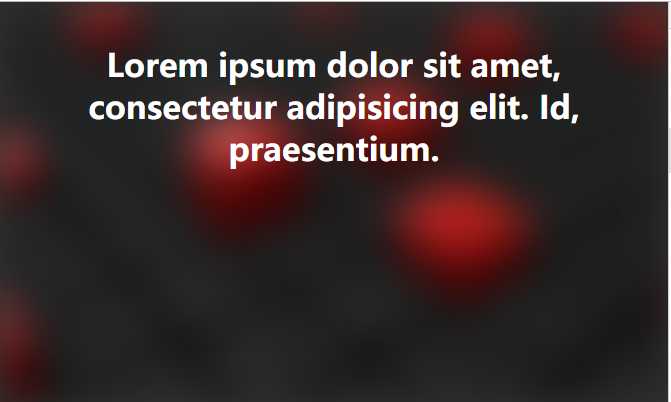
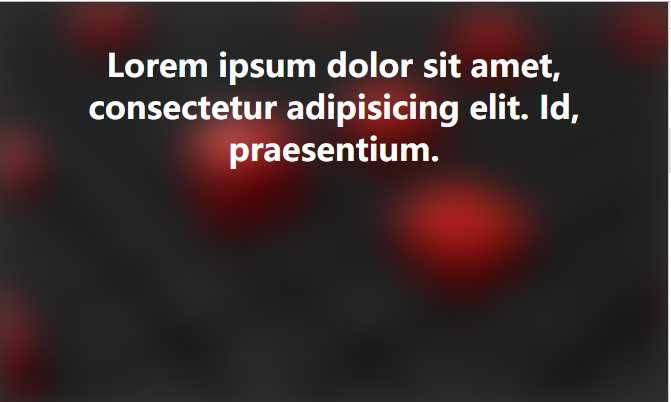
效果如下: