

1、在电脑上安装 Windows 版 Git
下载地址:https://git-scm.com/downloads
2、使用 Git GUI 生成 SSH Key
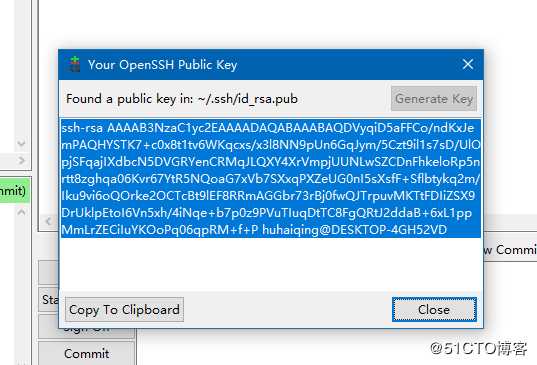
3、将 SSH Key 添加到 Github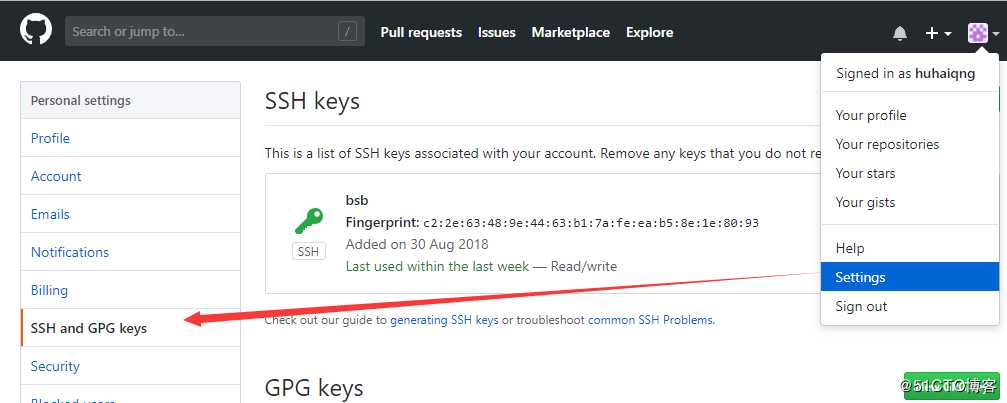
4、在电脑上创建文件夹,使用 Git Shell 初始化
git init
git remote add origin git@github.com:huhaiqng/Oracle.git

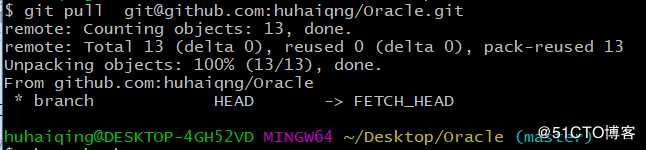
5、拉文件
git pull git@github.com:huhaiqng/Oracle.git
6、将新增修改的文件上传
git add .
git commit -m "提交"
git push -u origin master