
通过WebApi或者MVC模式的接口上传文件时,总数报错
413 Request Entity Too Large IIS
404 服务未找到
解决方法:
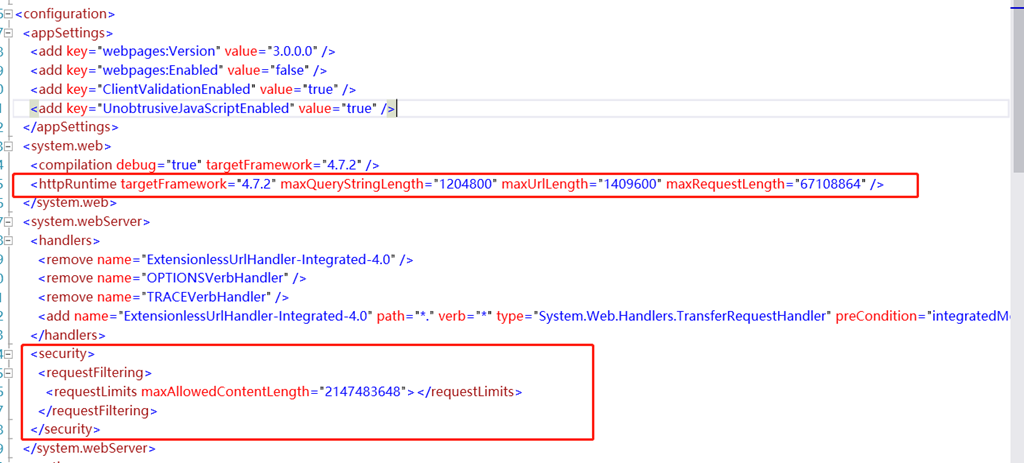
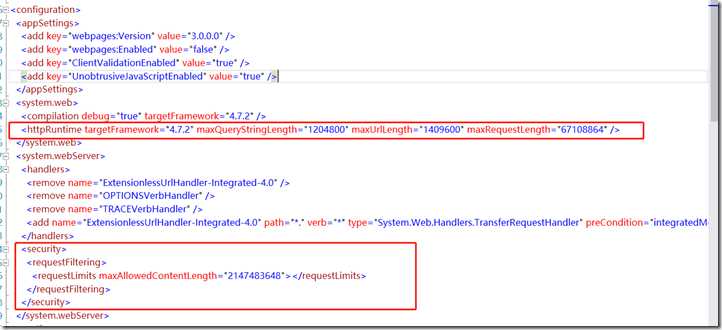
1. 在web.config文件下找到system.webSever 节点下面增加,maxAllowedContentLenth 文件上传的长度
<security>
<requestFiltering>
<requestLimits maxAllowedContentLength=”2147483648″></requestLimits>
</requestFiltering>
</security>
2. 设置上传文件大小
<system.web>
<httpRuntime targetFramework=”4.7.2″ maxQueryStringLength=”1204800″ maxUrlLength=”1409600″ maxRequestLength=”67108864″ />
</system.web>