【代码笔记】iOS-Label随字自动变大

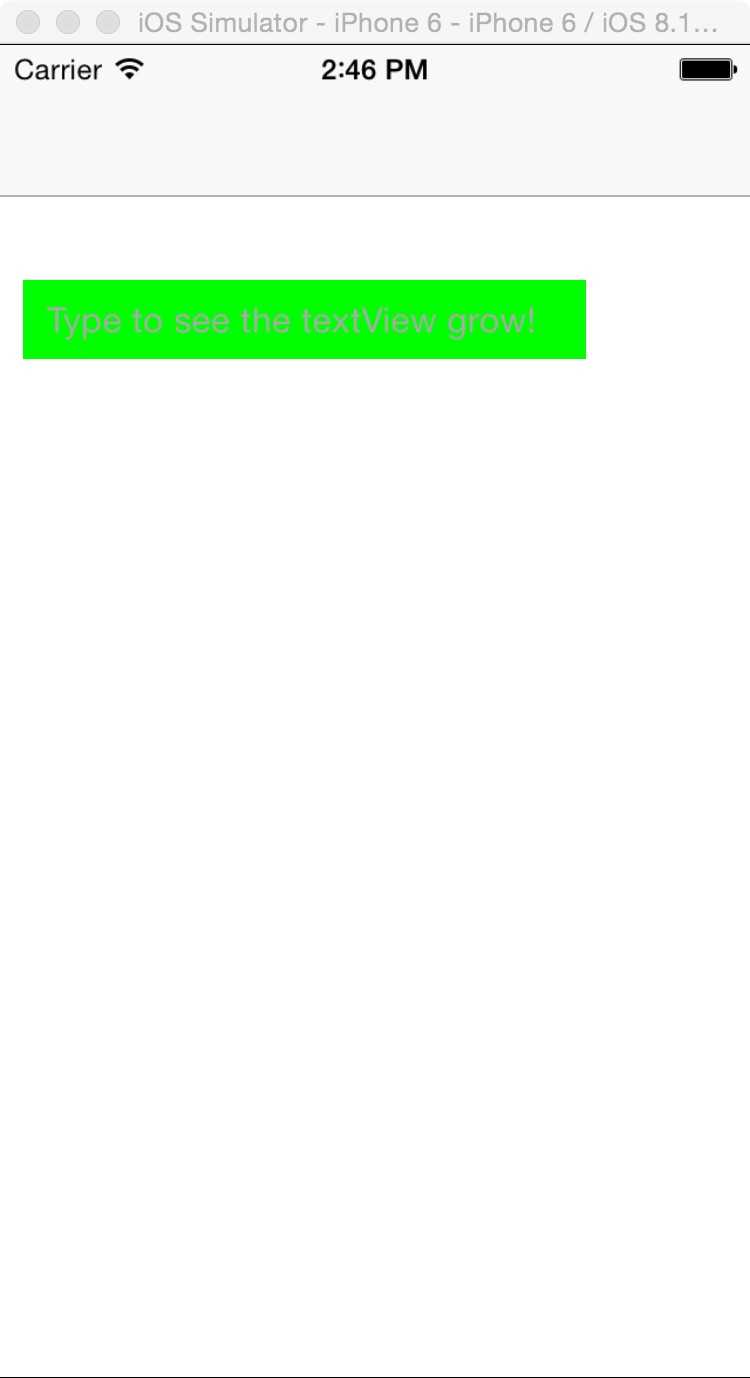
一,效果图。
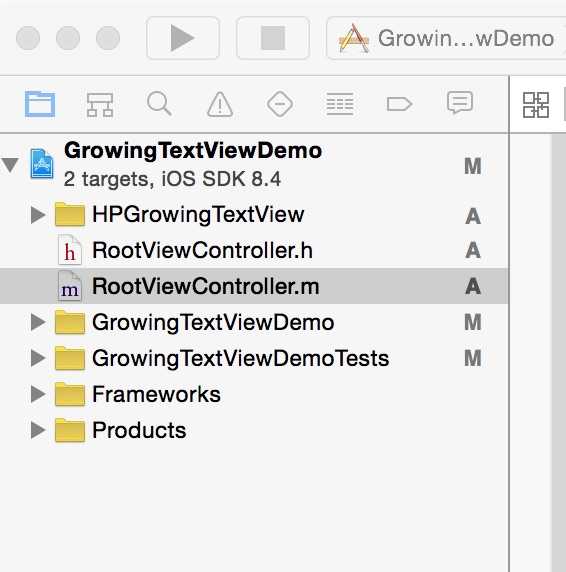
二,工程图。
三, 代码。
RootViewController.h

#import <UIKit/UIKit.h> //添加HPGrowingTextView头文件 #import "HPGrowingTextView.h" @interface RootViewController : UIViewController <HPGrowingTextViewDelegate> { HPGrowingTextView *textView; } @end
RootViewController.m
- (void)viewDidLoad { [super viewDidLoad]; // Do any additional setup after loading the view. textView = [[HPGrowingTextView alloc] initWithFrame:CGRectMake(10, 100, 240, 40)]; textView.isScrollable = NO; textView.contentInset = UIEdgeInsetsMake(0, 5, 0, 5); textView.minNumberOfLines = 1; textView.maxNumberOfLines = 6; // you can also set the maximum height in points with maxHeight // textView.maxHeight = 200.0f; textView.returnKeyType = UIReturnKeyGo; //just as an example textView.font = [UIFont systemFontOfSize:15.0f]; textView.delegate = self; textView.internalTextView.scrollIndicatorInsets = UIEdgeInsetsMake(5, 0, 5, 0); textView.backgroundColor = [UIColor greenColor]; textView.placeholder = @"Type to see the textView grow!"; [self.view addSubview:textView]; }




最新文章
-

微信如何创建群聊标签
2026-10-17 -
微信扫码登录有哪些安全要点
2026-10-17 -
微信怎么压缩发送图片大小
2026-10-17 -
微信收藏笔记怎么图文混排
2026-10-17 -

微信怎么关闭微信运动步数
2026-10-17 -
微信红包发送有哪些小技巧
2026-10-17 -

怎样彻底拉黑删除微信好友
2026-10-13 -

怎样将电脑Word文档发送到微信
2026-10-13
热门文章
-

微信小程序 - 事件绑定bind和catch 区别
2026-07-04 -

微信浏览器中禁止app下载链接的两种处理方法
2026-07-04 -

ios微信分享的兼容性问题
2026-07-04 -

【php】PHP制作QQ微信支付宝三合一收款码
2026-07-04 -

7-STM32物联网开发WIFI(ESP8266)+GPRS(Air202)系统方案微信小程序篇(微信配网_申请微信公众号)
2026-07-04 -

10-STM32物联网开发WIFI(ESP8266)+GPRS(Air202)系统方案微信小程序篇(微信配网配置_Airkiss步骤_1)
2026-07-04 -

9-STM32物联网开发WIFI(ESP8266)+GPRS(Air202)系统方案微信小程序篇(微信配网配置_开发者基本配置_2)
2026-07-04 -

从微信中跳到外部浏览器
2026-07-04