【代码笔记】iOS-JASidePanelsDemo(侧滑)

一,效果图。
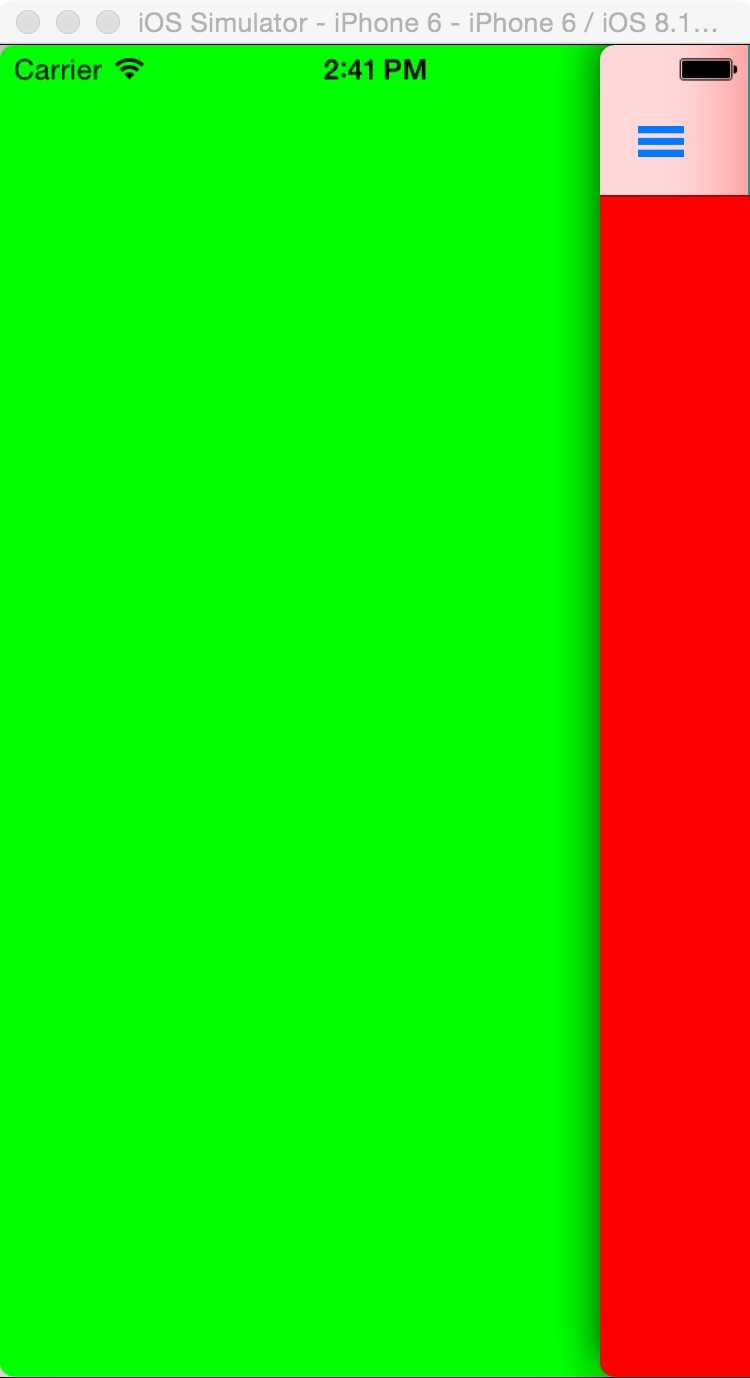
二,工程图。
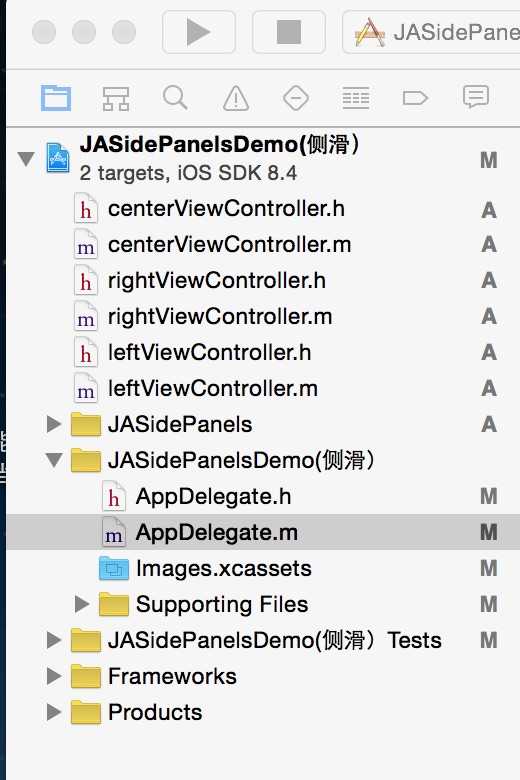
三,代码。
AppDelegate.h

#import <UIKit/UIKit.h> @class JASidePanelController; @interface AppDelegate : UIResponder <UIApplicationDelegate> @property (strong, nonatomic) UIWindow *window; @property (strong, nonatomic) JASidePanelController *viewController; @end
AppDelegate.m
#import "AppDelegate.h" #import "JASidePanelController.h" #import "centerViewController.h" #import "leftViewController.h" #import "rightViewController.h" @implementation AppDelegate @synthesize viewController; - (BOOL)application:(UIApplication *)application didFinishLaunchingWithOptions:(NSDictionary *)launchOptions { self.window = [[UIWindow alloc] initWithFrame:[[UIScreen mainScreen] bounds]]; // Override point for customization after application launch. viewController = [[JASidePanelController alloc] init]; viewController.shouldDelegateAutorotateToVisiblePanel = NO; viewController.leftPanel = [[leftViewController alloc] init]; viewController.centerPanel = [[UINavigationController alloc] initWithRootViewController:[[centerViewController alloc] init]]; viewController.rightPanel = [[rightViewController alloc] init]; self.window.rootViewController = self.viewController; self.window.backgroundColor = [UIColor whiteColor]; [self.window makeKeyAndVisible]; return YES; }




最新文章
-

微信如何创建群聊标签
2026-10-17 -
微信扫码登录有哪些安全要点
2026-10-17 -
微信怎么压缩发送图片大小
2026-10-17 -
微信收藏笔记怎么图文混排
2026-10-17 -

微信怎么关闭微信运动步数
2026-10-17 -
微信红包发送有哪些小技巧
2026-10-17 -

怎样彻底拉黑删除微信好友
2026-10-13 -

怎样将电脑Word文档发送到微信
2026-10-13
热门文章
-

微信小程序 - 事件绑定bind和catch 区别
2026-07-04 -

微信浏览器中禁止app下载链接的两种处理方法
2026-07-04 -

ios微信分享的兼容性问题
2026-07-04 -

【php】PHP制作QQ微信支付宝三合一收款码
2026-07-04 -

7-STM32物联网开发WIFI(ESP8266)+GPRS(Air202)系统方案微信小程序篇(微信配网_申请微信公众号)
2026-07-04 -

10-STM32物联网开发WIFI(ESP8266)+GPRS(Air202)系统方案微信小程序篇(微信配网配置_Airkiss步骤_1)
2026-07-04 -

9-STM32物联网开发WIFI(ESP8266)+GPRS(Air202)系统方案微信小程序篇(微信配网配置_开发者基本配置_2)
2026-07-04 -

从微信中跳到外部浏览器
2026-07-04